Login Page
What It Looks Like
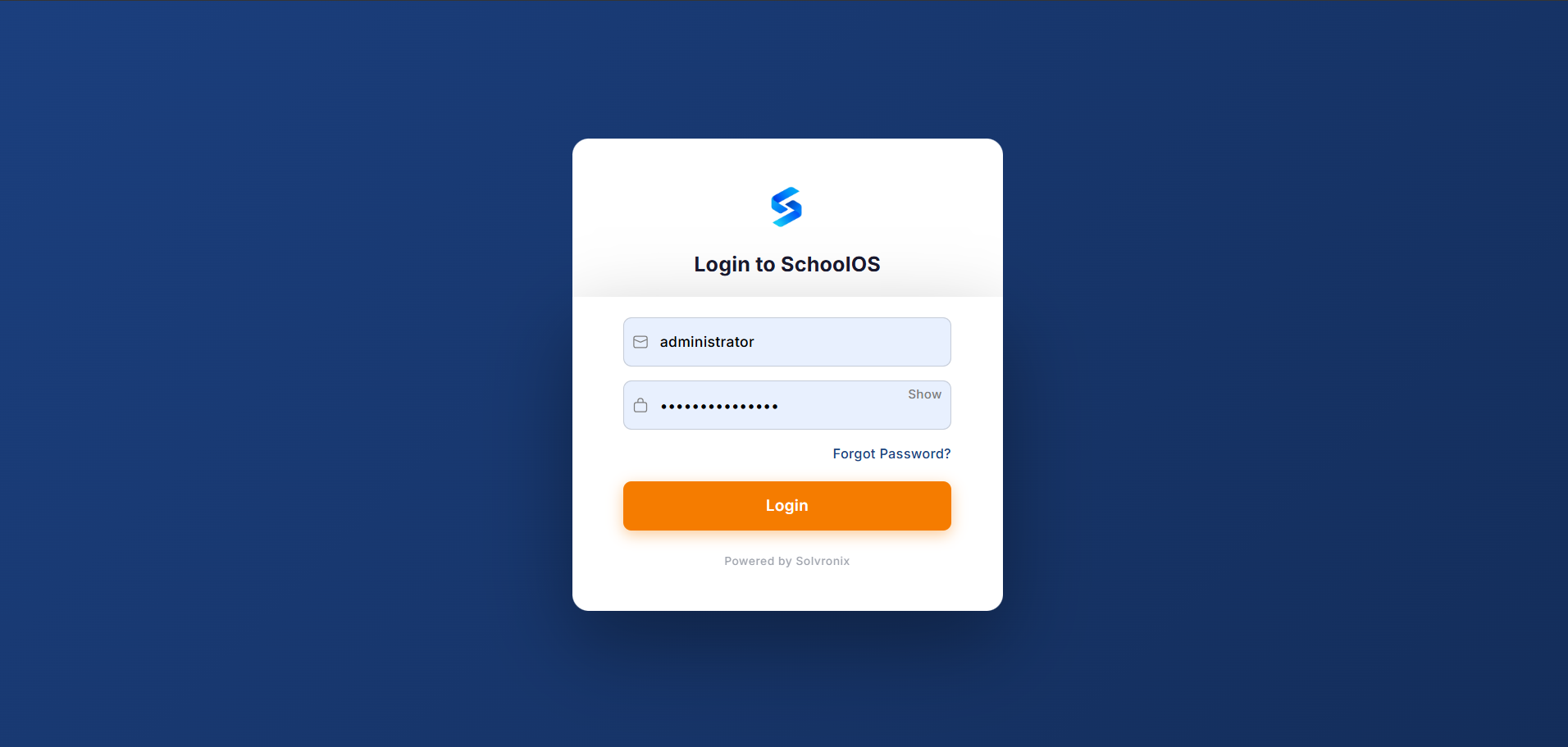
Solvronix Desk replaces the default Frappe login page with a full-screen branded experience — your logo, your colors, and your company name. The login form itself (username, password, Login button) is standard Frappe, but everything around it is your brand.
What Changes
| Element | Default Frappe | With Solvronix Desk |
|---|---|---|
| Background | Plain white | Full-screen in your brand color |
| Logo | Frappe logo | Your company logo |
| Login button | Default blue | Your accent color |
| "Powered by" | Frappe | Powered by Solvronix |
| Overall feel | Generic | Branded, professional |
How It's Configured
The login page pulls directly from your Theme Settings — no separate configuration needed:
- Background color — your Brand Color
- Logo — your Company Logo
- Login button color — your Accent Color
Update Theme Settings → Save → login page updates automatically on the next visit.
First Impression
The login page is the first thing every user sees when they open your ERP. A branded login page communicates that this is a professional, intentional tool — not a generic out-of-the-box installation. This is especially important for client-facing deployments or when onboarding staff who may be skeptical of the system.
No Extra Configuration Required
Everything flows from the two branding fields in Theme Settings. If your logo and colors are set, your login page is already branded.